How to Set Up S&Box Dedicated Server (2026 Guide)
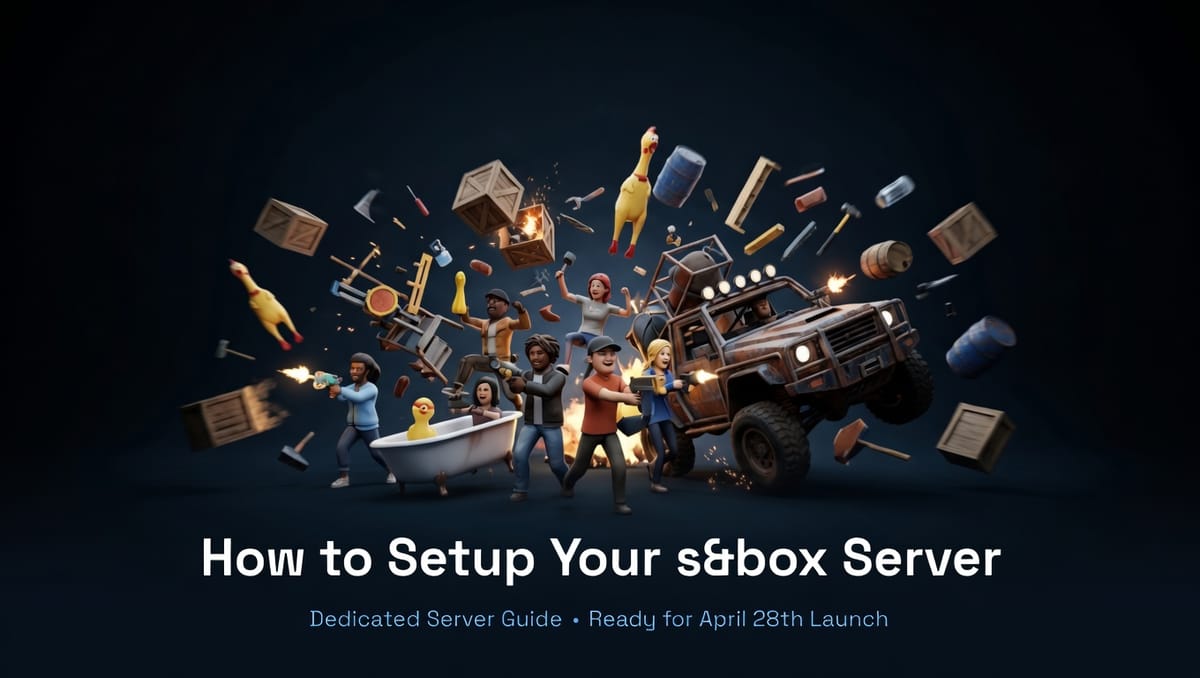
s&box is a next-generation game engine developed by Facepunch Studios and is meant to be the spiritual successor to the acclaimed Garry's Mod. Built in Source 2, and with a developer-first orientation, s&box will be the definitive tool for creators to develop their own games and experiences and make them available for players to join and have fun.
Garry's Mod originally launched in 2004 and was initially developed as a Half-Life 2 mod, soon turning into a whole project on its own, thanks to the powerful tools available for players to create their own game modes and content, such as DarkRP and Prop Hunt, using the Source 1 engine. Building upon the massive success that Garry's Mod has been, s&box is likely to be a new standard for gaming communities.
Before Starting
s&box is set to be officially released on April 28th, but you can sign up for the early access here! It will be linked to your Steam account, and you can start playing right away.
Just like the original Garry's Mod, s&box can be played in single-player through a local server running on your PC, and while this can be useful for testing, it's not optimal if you want to play with your friends, so a dedicated s&box server is the best choice.
Why Run a Dedicated s&box Server?
Running a local server on your PC can be trickier, as it requires some technical knowledge, and having the server online results in elevated resource usage, which can affect any other tasks you may be doing in the background. In addition to this, you need to set up port-forwarding rules to allow your friends to join, which exposes your network to the public.
Using a dedicated game server provider like Iceline Hosting can help you avoid all of these issues. It's as simple as: paying for your server, managing the server through the game panel, and playing!
With a dedicated game server provider, your server can stay 24/7 online without needing you to be available.
Why Choose Iceline Hosting?
Iceline Hosting's premium hardware ensures smooth performance on heavy tasks like NPC handling. Our game servers can be managed through the Iceline Game Panel, a custom panel tailored for our services, easy to navigate, and with built-in options/features for each game, so you can manage your server flawlessly with just basic knowledge.
With our game panel, you will be able to:
- View real-time console logs.
- Stop, Start, and Restart the server with the power buttons.
- Manage the server files (edit configuration files, upload mods/files, and delete them) through our file manager, or get access to your files through a program like Filezilla with your own SFTP Credentials.
- Install one-click tools/mods (when available post-launch).
- Schedule automated backups and restarts.
- Configure databases and sub-users.
- Transfer between locations with only a few clicks.
In addition to this, our game servers come with powerful DDoS protection from Iceline Shield, and thanks to our global locations (such as the UK, USA, Singapore), ping won't be an issue!
Still not convinced? Did you know you can use the powerful Iceline AI tool to fully manage and edit files for you with just a few commands? Managing a server has never been this easy! Learn more about our Iceline AI tool here.
Purchasing a Dedicated Server with Iceline Hosting.
Iceline Hosting offers day-one s&box support with instant deployment, and we also have a few locations around the globe, along with some tools available through our game panel to ease the management process for you!
To get started, just follow these steps:
Purchasing a server:
- Go to our s&box Game Server Hosting section
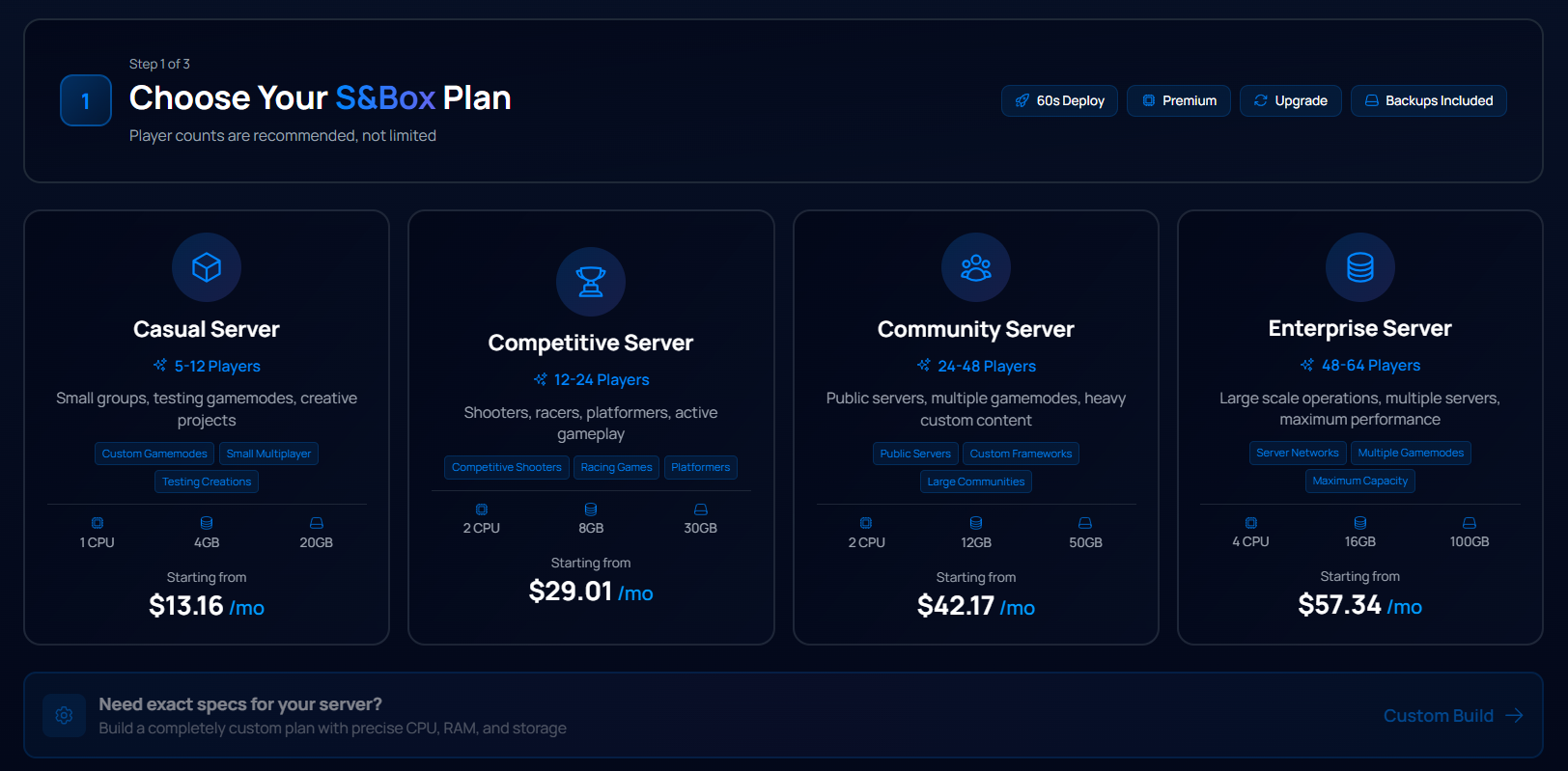
- Select a plan suited to your needs:
You could select Casual for small projects, or a higher plan like Community if you want to host a server for a large modded community. Rest assured, you can upgrade your plan later on when required :)
- Once you've selected your plan, you'll be redirected to the shopping cart, where you can log in to your account or sign up for a new one.
- Pay your invoice using your preferred payment method, and that's it!
Servers are automatically deployed after a few minutes. If you have any questions, feel free to contact our team.
Basic Configuration you should do:
After the server is deployed, here are some configurations you should consider to ensure it's ready for connections.
- Change the hostname and gamemode to anything of your choice; a unique name and a fun gamemode can help your server stand out on the server list.
- Adjust the max players or the default map.
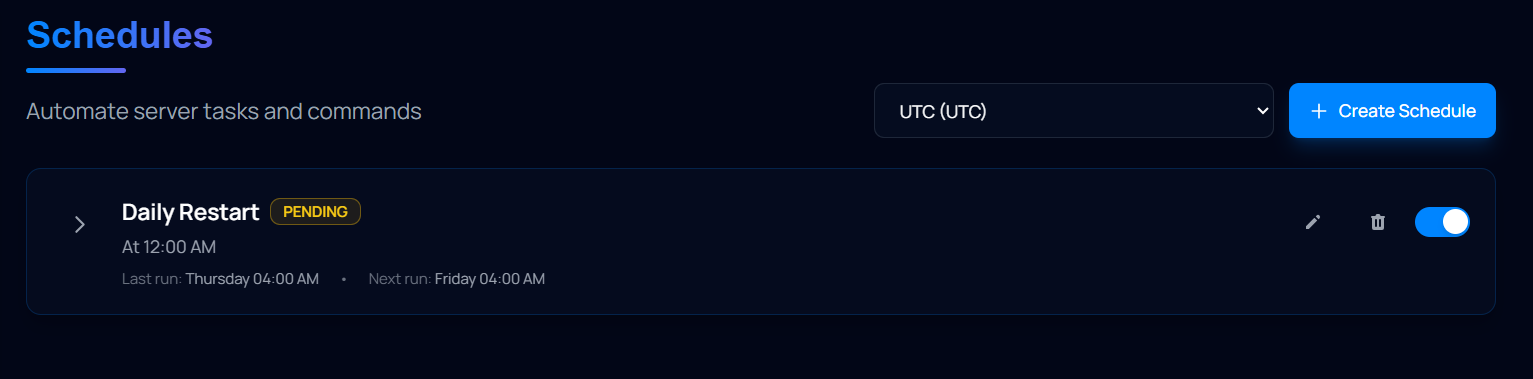
- Set up automated restarts to ensure the server's memory is refreshed. A daily restart will do the trick!
That's it! When you're ready, just copy your server IP/Port and use the server browser to join the server. Feel free to follow this guide to learn how to connect to your s&box server. Of course, you can share this IP with your friends so they can join too :)
Ready to Get Started?
Ready to tailor the experience to your liking and build the next popular game mode? Get your s&box server and be online April 28th forward! https://iceline-hosting.com/games/sbox
Check back for post-launch updates as more mods and content emerge, so feel free to keep an eye on our knowledge base.